

How to Use the Notes Widget
The Notes widget is a private notepad for the person running the show. Whatever you write in it is visible in the studio only. It is never part of the broadcast or the recording, so you can keep your agenda, questions for a guest or a checklist right next to the scene.
When to Use
- A running order or agenda for the show
- Questions you want to ask a guest, in the order you plan to ask them
- Reminders like “mention the sponsor at 20 minutes” or “unmute the music after the break”
If you need a script that scrolls while you read it, use the Teleprompter instead.
Steps
Step 1: Add the Notes Widget
- Open the Layers tab. Apps work on both scene types:
- Dynamic Scene: expand Apps & Widgets -> Add from marketplace
- Pro scene: click Add New Layer -> Apps & Widgets
- Search for Notes and click the card, then click Add to Scene
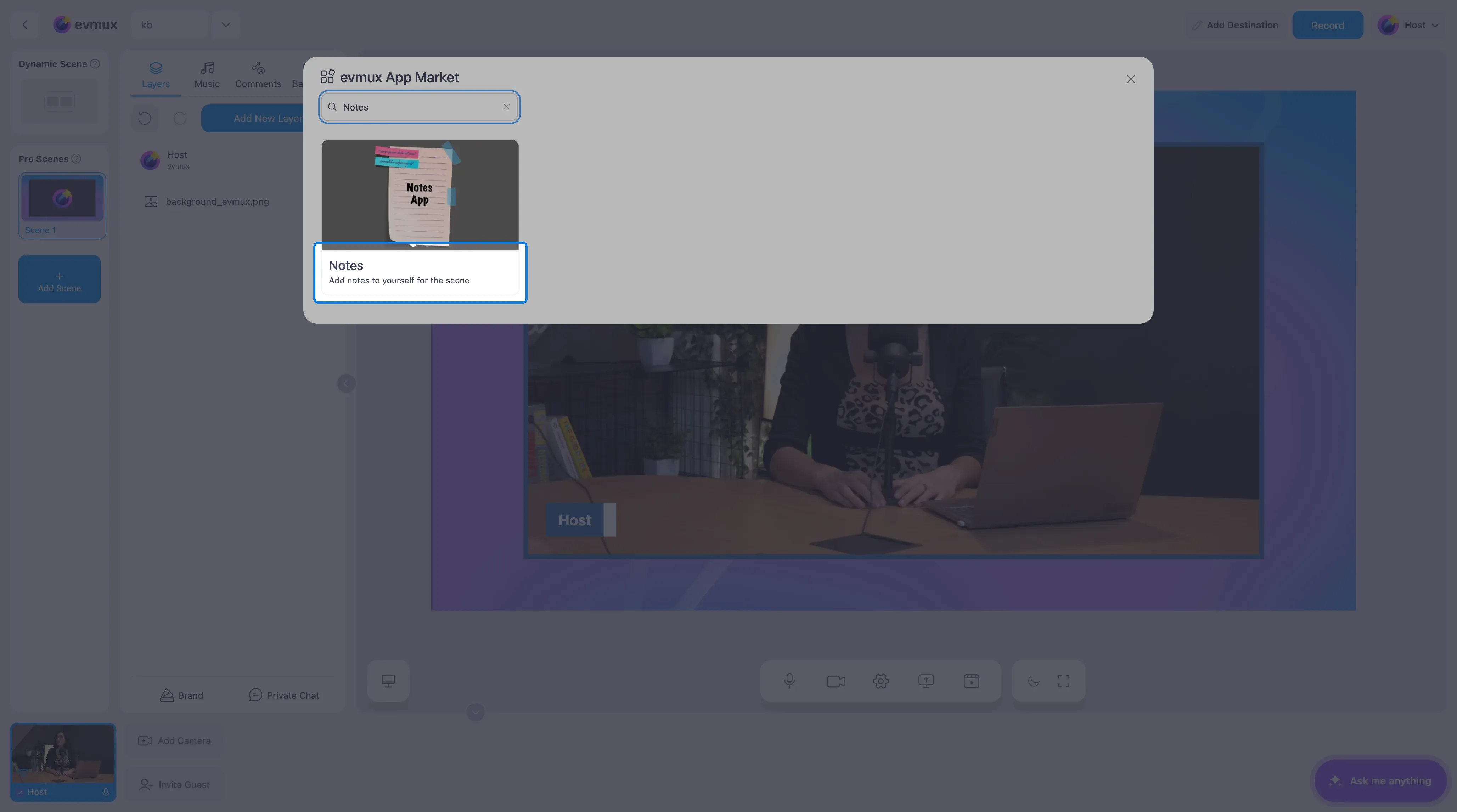
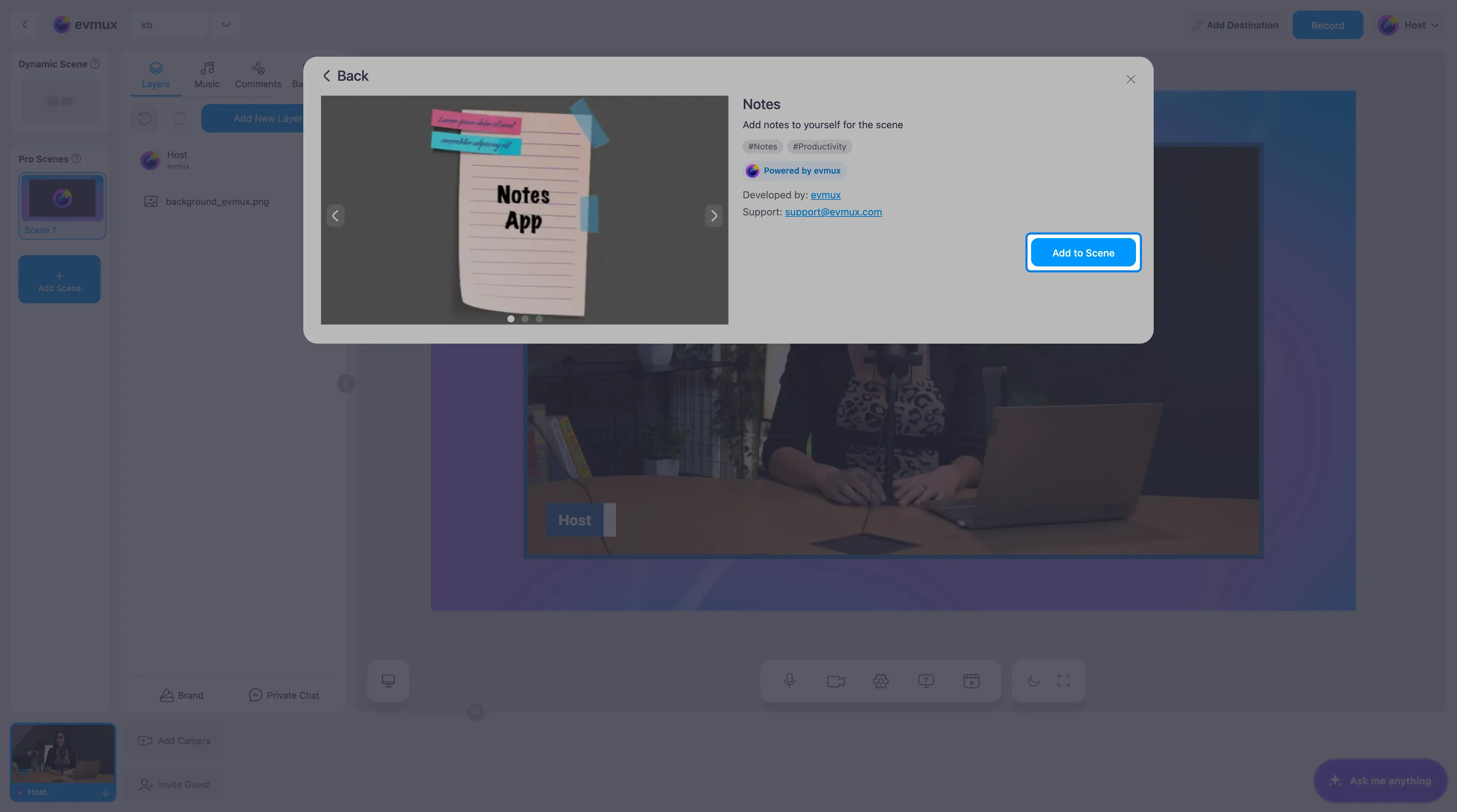
Step 2: Write Your Notes
The Self Notes editor opens in the panel on the left with a sample note. Replace it with your own text. Select a piece of text to change its style: headings, bold, bullet lists and links are all available, so you can keep an agenda tidy.
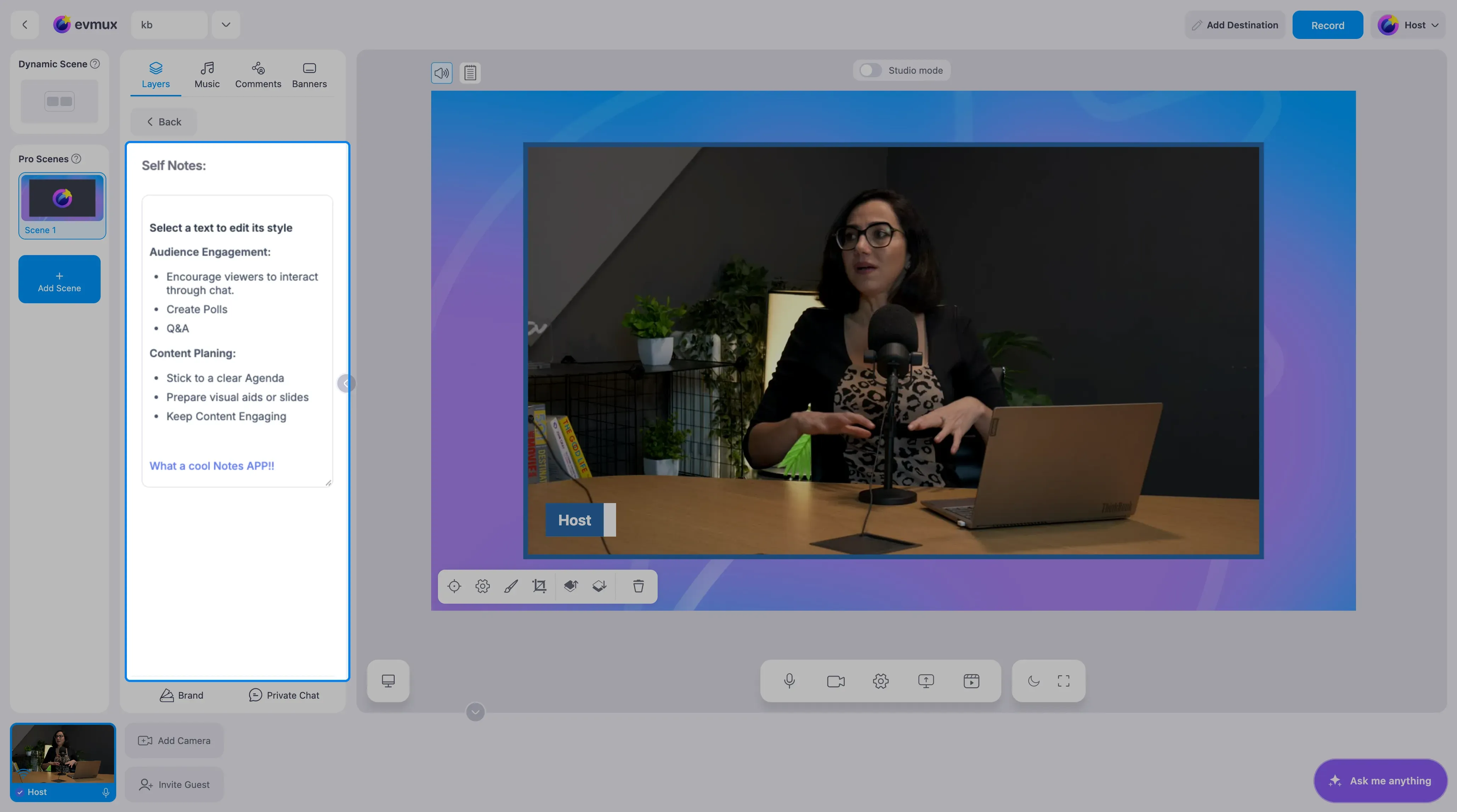
Nothing appears on the scene for your viewers. The notes live in the studio, on the scene you added them to, and they are saved with it, so they are there again the next time you open the studio.
Step 3: Read Them During the Show
Select the Notes layer in the Layers tab whenever you want to see your notes. Because each scene has its own Notes layer, you can keep a different set of notes for each part of your show.
Tips
- Keep notes short. A few bullet points are easier to glance at than paragraphs while you are on camera.
- Put the most important reminder at the top so it is visible without scrolling.
- Guests and speakers do not see your notes, so it is a safe place for cues about them.