

How to Use the Dice Roll Widget
The Dice Roll widget puts a table with up to six 3D dice on your scene. Press Roll and the dice tumble across the table and settle on a result your viewers can see. It is driven by you, not by chat, so it works for board-game streams, quick decisions and picking a number for a giveaway.
When to Use
- Rolling for a tabletop or role-playing game on camera
- Letting luck decide a challenge, a topic or the next guest
- Picking a random number between one and a hundred and twenty (six d20 dice)
Steps
Step 1: Add the Dice Roll Widget
- Open the Layers tab. Apps work on both scene types:
- Dynamic Scene: expand Apps & Widgets -> Add from marketplace
- Pro scene: click Add New Layer -> Apps & Widgets
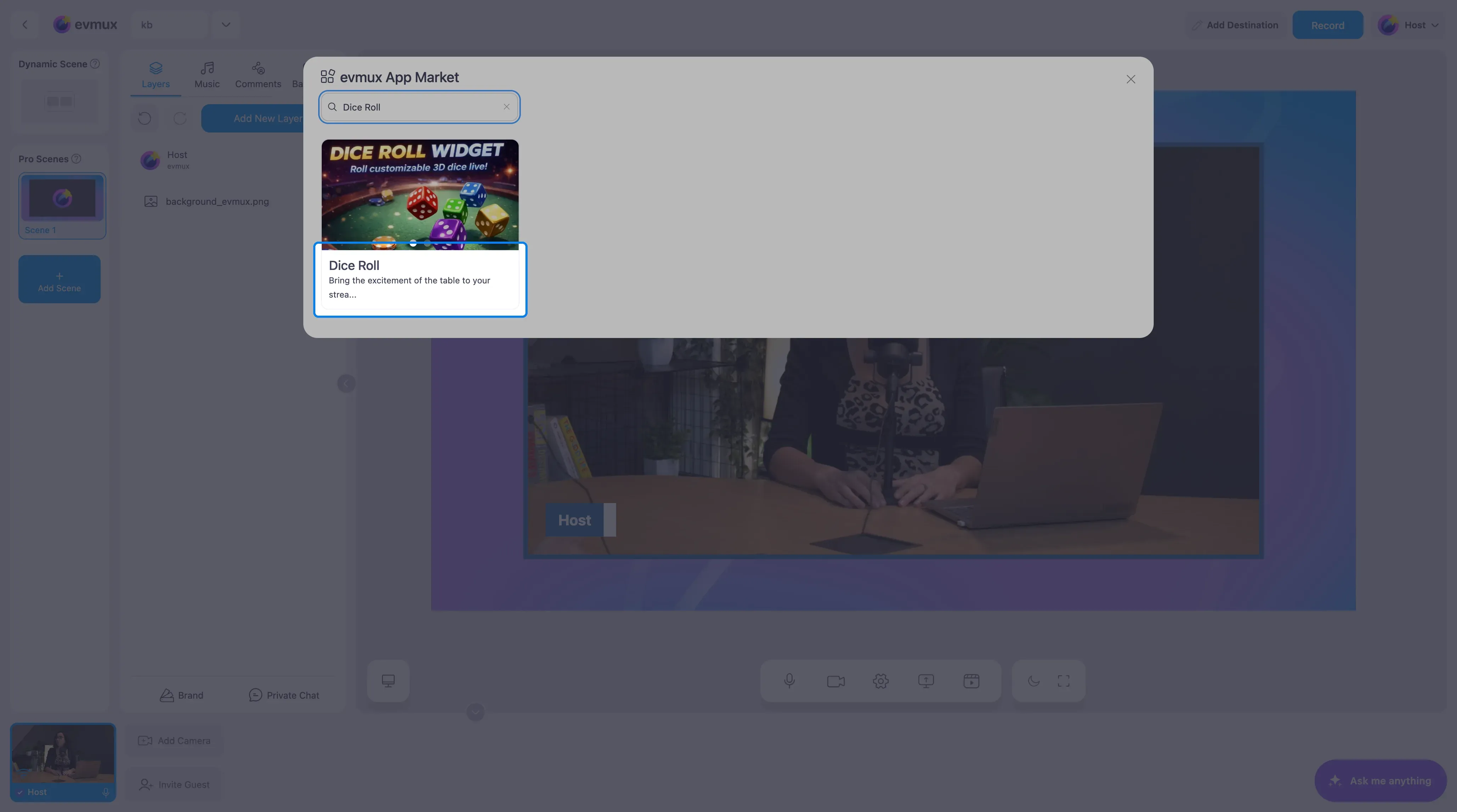
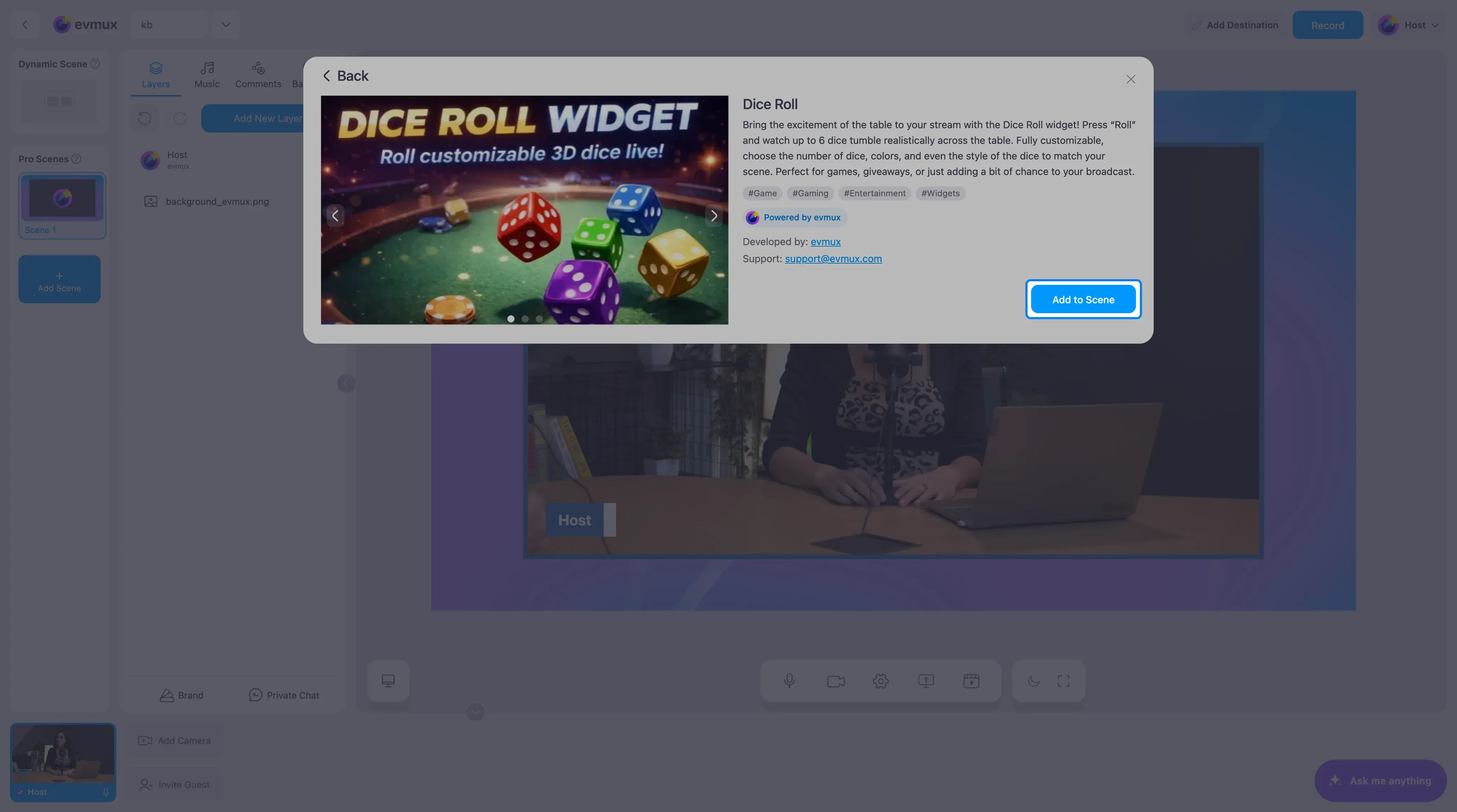
- Search for Dice Roll and click the card, then click Add to Scene
Step 2: Set Up the Dice
The widget lands on the scene as a green table with one die, and its settings open in the panel on the left.
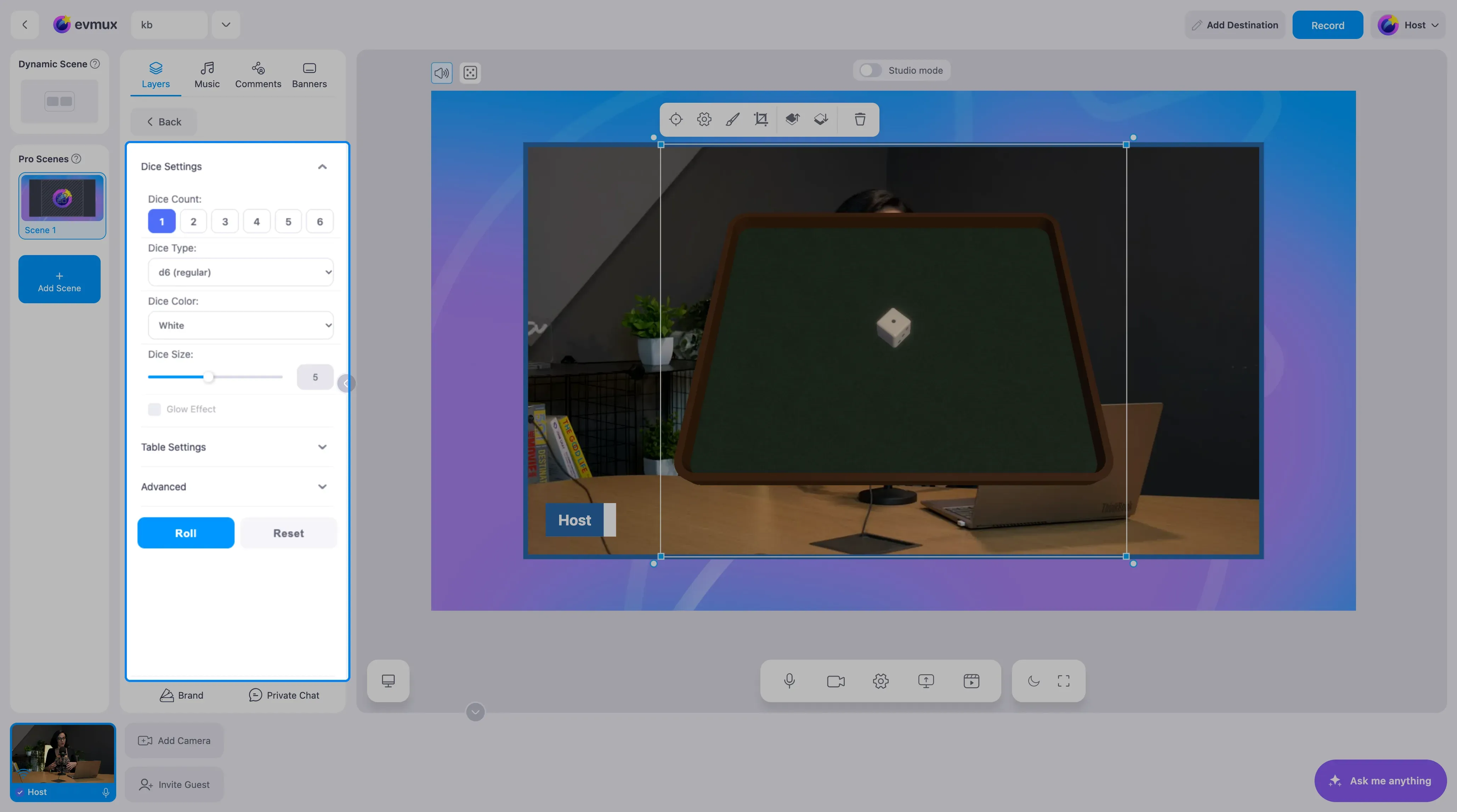
| Setting | Options | Notes |
|---|---|---|
| Dice Count | 1 to 6 | How many dice roll together |
| Dice Type | d6 (regular), d6 (numbers), d8, d12, d20 | Regular d6 shows pips, the numbers version shows digits |
| Dice Color | White, Black, Red, Custom | Custom opens a color picker |
| Dice Size | slider | Bigger dice are easier to read on small screens |
| Glow Effect | on/off | A soft glow around each die |
| Table Settings | expandable | The look of the table under the dice |
| Advanced | expandable | Physics and animation details |
Step 3: Roll
- Click Roll. The dice tumble across the table and stop on the result.
- Click Reset to clear the result and stand the dice up again.
- Resize and move the widget layer like any other layer so the table sits where you want it.
Tips
- Two or three dice read better on stream than six. Use six only when the total matters.
- The d6 (numbers) type is the easiest for viewers to read from a phone.
- Pair the widget with a text overlay that explains what the roll decides.
- Add the Roll action to your fast action buttons so you can roll without opening the panel.